
Typical workflowProgram library
TrueCoach
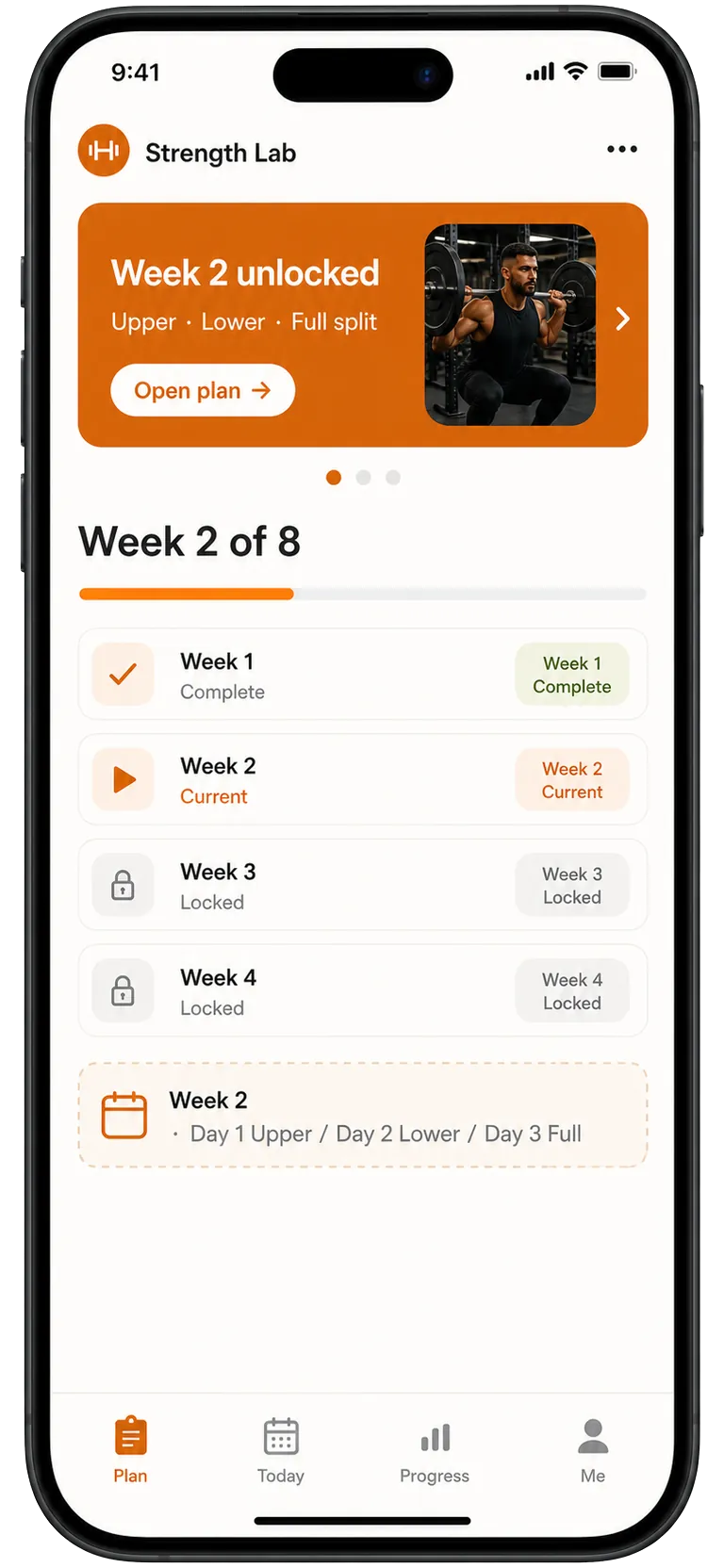
Workout tools usually lead with sessions, exercises, and assignment status.
Kaiora preview
Kaiora frames the program as an app product, with structure, context, and member-facing navigation around it.
TrueCoach is well known for workout programming, exercise delivery, client communication, and progress tracking. Kaiora is for coaches who want to turn that expertise into a branded client app with sellable programs, guided content, and AI-assisted setup.
Kaiora App is independent and is not affiliated with TrueCoach. This page is a practical comparison for coaches; verify any must-have TrueCoach feature against your own workflow.
Quick answer
Choose Kaiora if the thing you are building is a branded product experience, not only a better place to assign workouts.
Decision snapshot
Coaches who already know their method and want to package it into a mobile-first program, guide, challenge, or member app.
Workout programming software can be enough for coaching delivery, but it may feel narrow when you want branded offers, locked content, app-style onboarding, and a stronger sales path.
Kaiora helps create the app wrapper around your method: templates, app pages, paid access, community, custom domains, and AI-generated starting points.
Comparison points
| Factor | TrueCoach | Kaiora App |
|---|---|---|
| Client experience | TrueCoach focuses on programming, exercise demos, client communication, and progress visibility for personal training workflows. | Kaiora focuses on an installable client app where programming sits beside content, check-ins, community, and paid product surfaces. |
| Setup and launch | Best when your primary setup task is building workouts and assigning them to clients. | Best when your setup task is turning a complete offer into app pages, modules, labels, and launch copy. |
| Program delivery | Strong for structured workout assignment and ongoing trainer-client feedback. | Strong for delivering programs with lessons, resources, challenges, updates, and member journeys around the training. |
| Selling and access | Often fits coaches who sell outside the product and use software mainly for delivery. | Fits coaches who want the app to help sell, unlock, and present the next program inside the member experience. |
| Brand control | The client experience is tied to a training software workflow. | The client experience is tied to your branded PWA, your URL, and your offer structure. |
Visual comparison
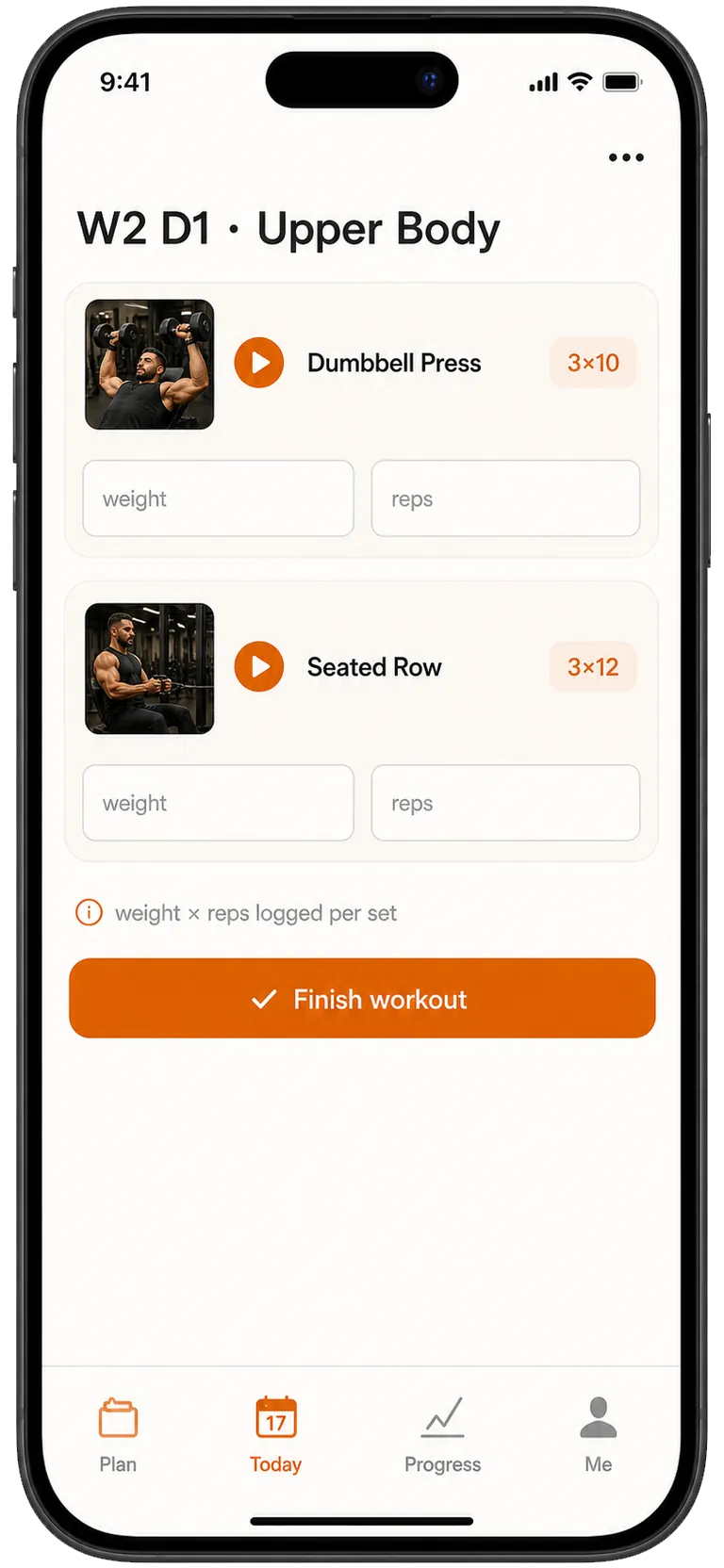
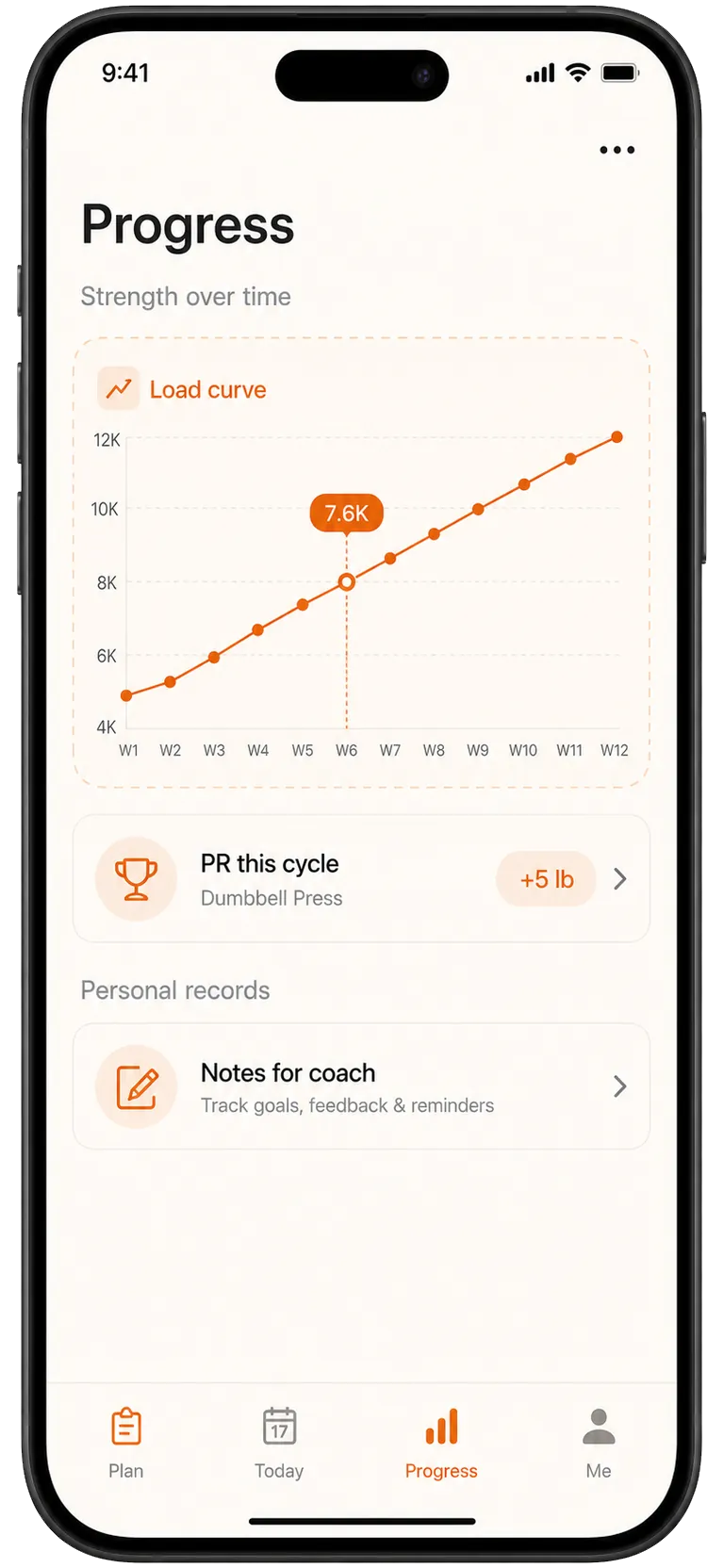
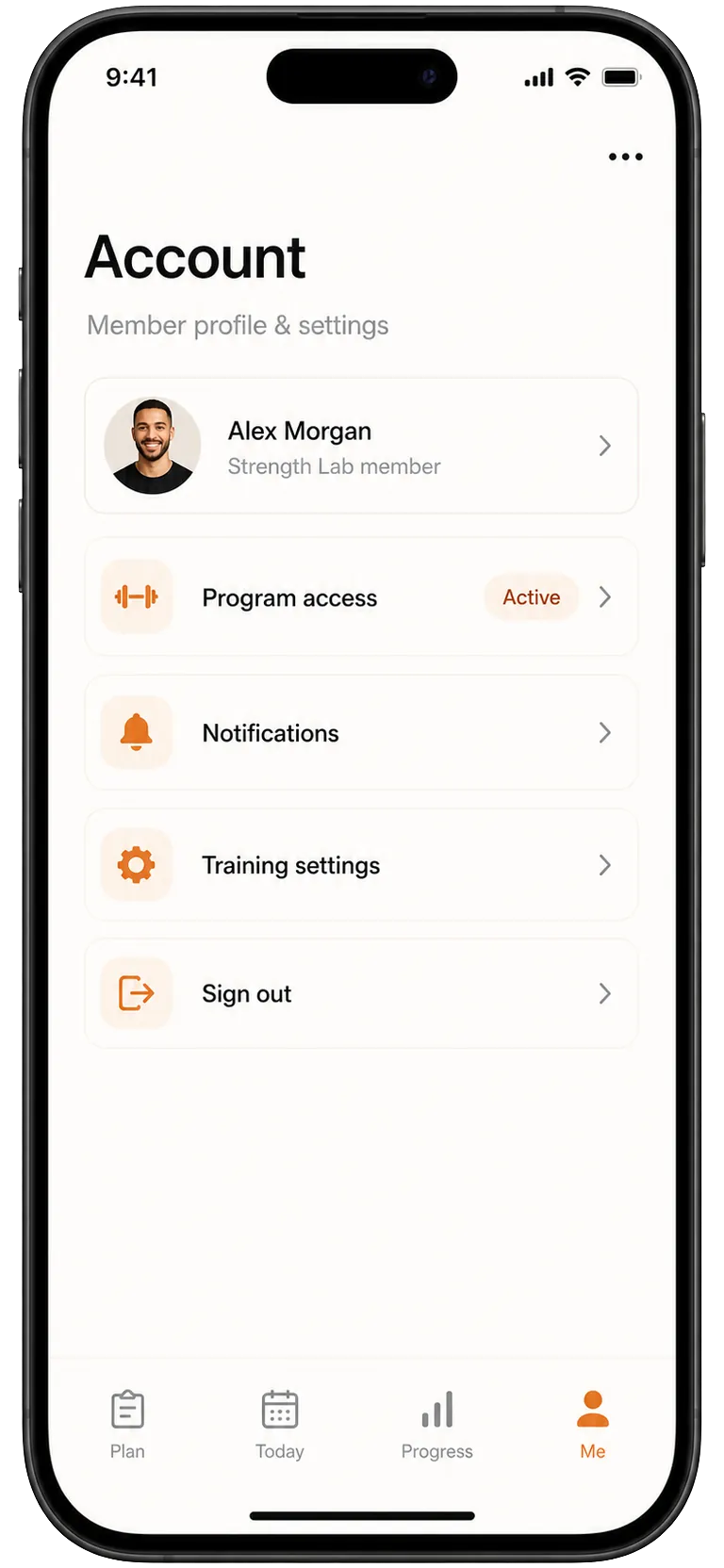
The left side is an illustrative workflow sketch, not a third-party product screenshot. The right side shows Kaiora app preview screens from the local template library.
Workout tools usually lead with sessions, exercises, and assignment status.
Kaiora frames the program as an app product, with structure, context, and member-facing navigation around it.
A training dashboard often asks the client to interpret what matters today.
Kaiora makes the next action obvious with a mobile-first today view and product-specific labels.
Progress is usually a reporting layer attached to the training workflow.
Kaiora turns progress into part of the member experience, helping the app feel like a coaching product.
Account and access controls can feel separate from the training offer.
Kaiora keeps access, identity, and app settings inside the branded PWA experience.
Practical details
Related comparisons
Start with one offer, one audience, and one app experience. Kaiora turns that into a publishable PWA you can refine before moving every client.