Pular para o conteúdo
Alternative guide

Trainerize alternative for coaches who want a branded client app

Trainerize is a strong coaching platform for managing clients, workouts, nutrition, habits, messages, and payments. Kaiora is different: it helps you turn a specific offer into an installable branded PWA with AI-assisted structure, content, and launch flows.

Kaiora App is independent and is not affiliated with Trainerize or ABC Fitness. Product capabilities can change, so use this page as a positioning guide and verify must-have features before switching.

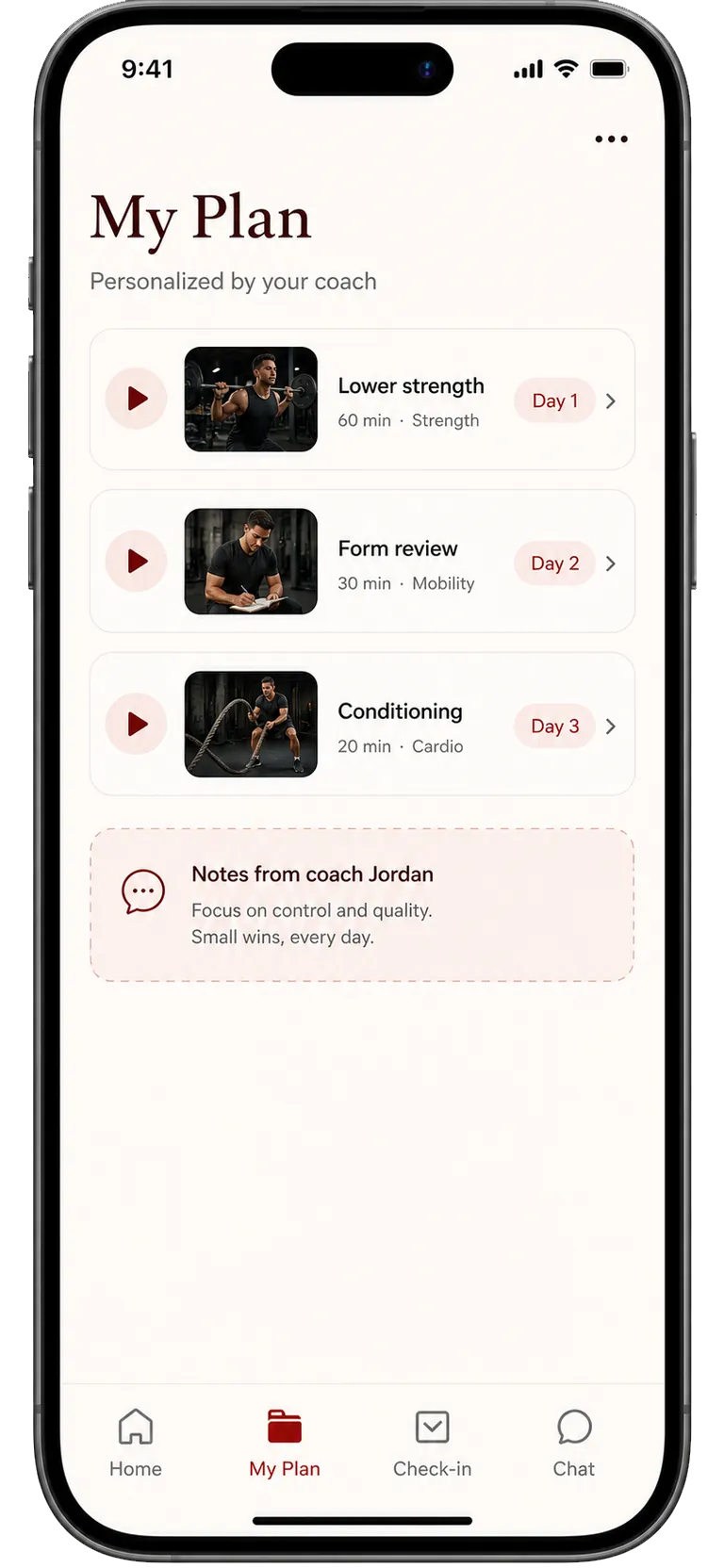
Kaiora coaching app screens for a Trainerize alternative page

Quick answer

Choose Kaiora if your main goal is not simply to replace every Trainerize workflow, but to package your coaching into a branded app clients can install, buy from, and return to without app store friction.

Decision snapshot

A better fit when the app itself is the product

Best for

Coaches selling structured programs, challenges, memberships, or hybrid coaching who want the client experience to feel owned by their brand.

Why coaches look elsewhere

Some coaches outgrow a generic coaching workspace when they want a faster launch path, more content-led offers, or a PWA that feels separate from the platform behind it.

Kaiora angle

Kaiora starts from the offer. Describe the coaching app, pick a template, generate the first structure, and refine the client flow before inviting members.

Comparison points

Trainerize vs Kaiora App

FactorTrainerizeKaiora App
Client experienceTrainerize centralizes client coaching with workouts, nutrition, habit tracking, messaging, and payment-oriented tools inside its trainer platform.Kaiora centers the branded PWA: clients open your installable app for programs, resources, check-ins, community, and access-gated offers.
Setup and launchBest when you want to configure an established coaching operations system.Best when you want AI to draft the app structure, screens, copy, and launch-ready flow from a prompt or existing program.
Program deliveryStrong for assigning workouts, tracking habits, and managing ongoing client coaching.Strong for packaging programs, guides, challenges, libraries, and communities into a branded mobile-first experience.
Selling and accessUseful if your selling motion already fits the platform's payment and client management model.Built around paid app access, locked content, memberships, and upsell surfaces inside the client experience.
Brand controlTrainerize can support branded experiences, but the coach still works inside a broad coaching platform.Kaiora makes the app and offer the center, with templates, custom domains, PWA install, and brand-first presentation.

Visual comparison

What feels different in the client app

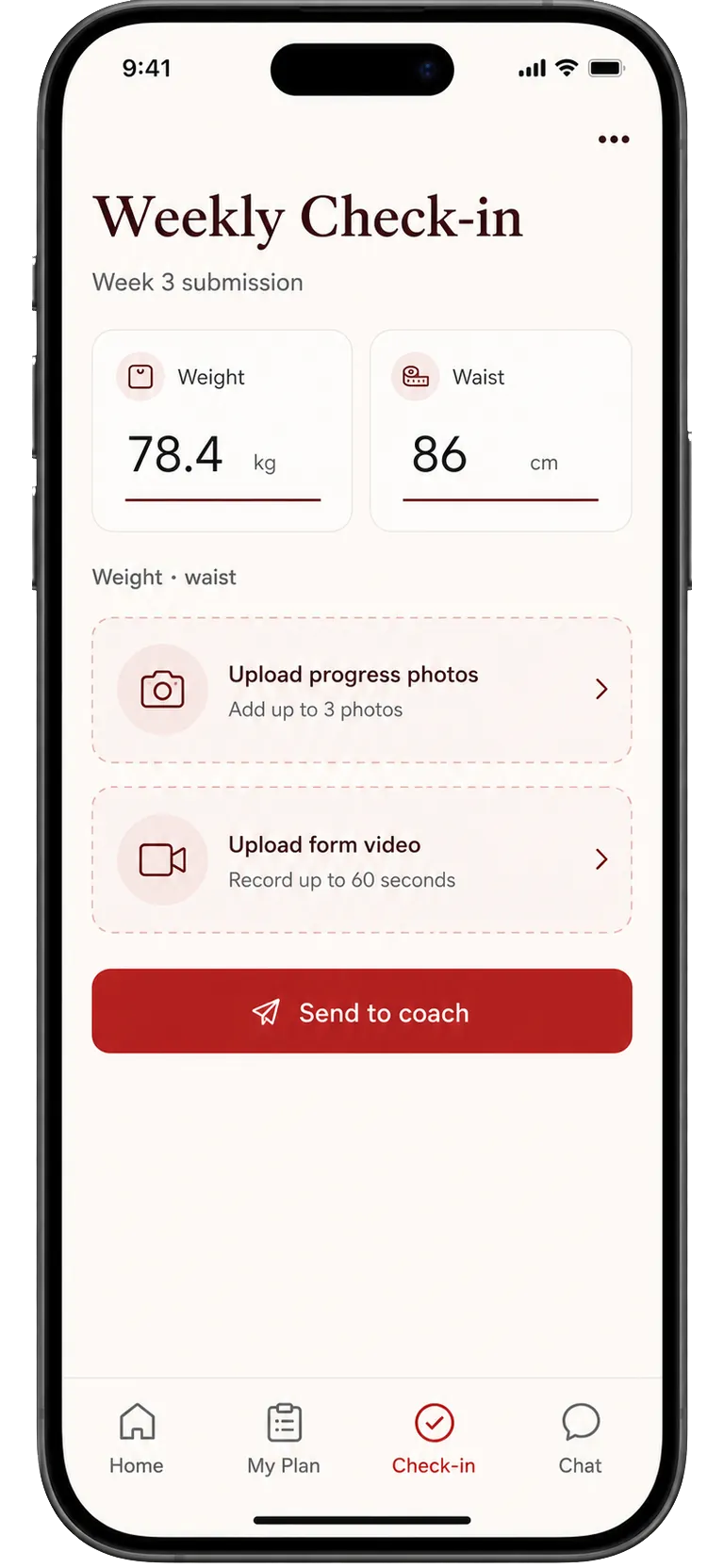
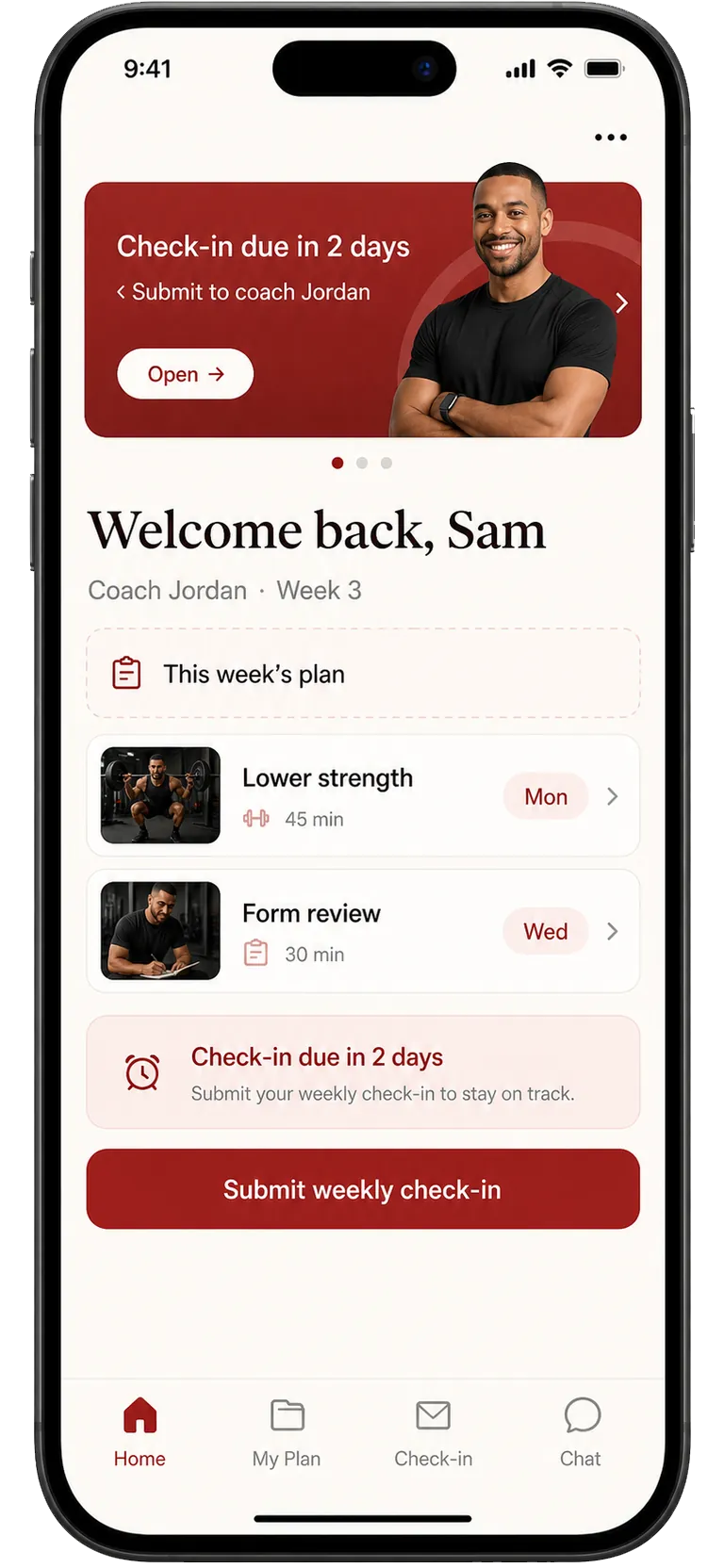
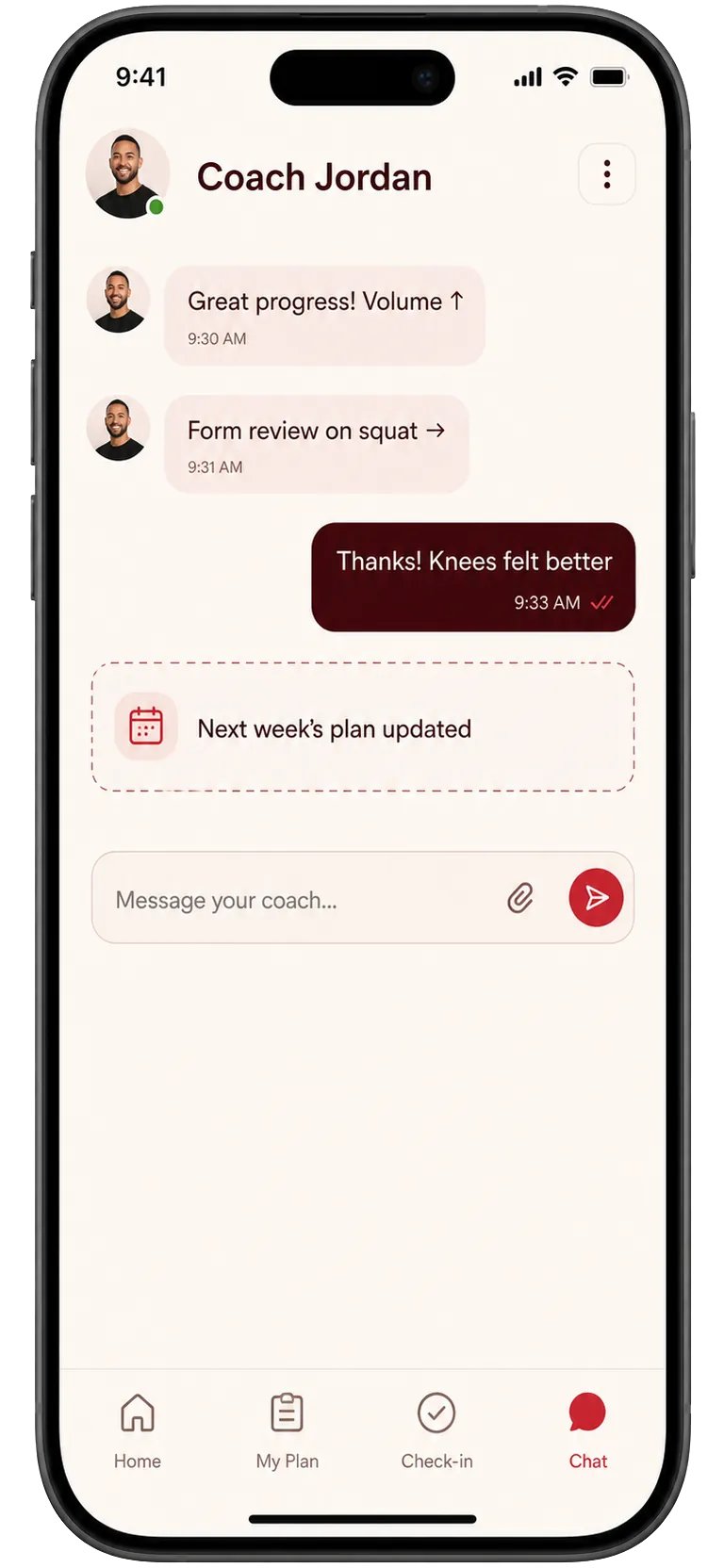
The left side is an illustrative workflow sketch, not a third-party product screenshot. The right side shows Kaiora app preview screens from the local template library.

Typical workflowClient home
Trainerize

A coaching platform often begins with assigned tasks, messages, and management views.

Kaiora preview

Kaiora starts from the member home: the offer, next action, coach context, and content path are presented as a branded app.

Kaiora coaching home screen preview
Typical workflowAssigned plan
Trainerize

Programs can feel like items inside a larger trainer workspace.

Kaiora preview

Kaiora presents the plan as a sellable app experience, with modules and progress surfaces around the program.

Kaiora coaching plan screen preview
Typical workflowCheck-in flow
Trainerize

Check-ins usually sit beside other client management tools.

Kaiora preview

Kaiora makes the check-in feel like part of the app journey, so members know what to do next.

Kaiora coaching check-in screen preview
Typical workflowCoach touchpoint
Trainerize

Messaging can become another operational inbox.

Kaiora preview

Kaiora keeps coach touchpoints inside the same branded place where the member trains, checks in, and buys.

Kaiora coaching chat screen preview

Choose Kaiora if

  • You want a client-facing app for one flagship offer before rebuilding every backend workflow.
  • You care about branded perceived value, content unlocks, and sellable programs as much as workout assignment.
  • You want AI help turning existing notes, PDFs, or program outlines into app structure and starter copy.

How to move without losing the plot

  1. 1List the parts of your current workflow clients actually touch: plans, check-ins, resources, community, payments, and support.
  2. 2Pick one offer to rebuild first instead of migrating every client at once.
  3. 3Publish the Kaiora app to a test group and watch where members hesitate.
  4. 4Move paid clients only after the new app covers your required delivery, access, and support path.

Practical details

FAQ

Related comparisons

Build a branded client app before you rebuild your whole stack

Start with one offer, one audience, and one app experience. Kaiora turns that into a publishable PWA you can refine before moving every client.